Heat your hands without heating your keyboard or laptop. Premium vegan leather material that survives scuffs and scrapes that others don't. Two independent heating zones give you precise, comfortable warmth exactly where you want it.
Or 4 interest-free payments with Shop Pay
Ordering outside the US or UK? Contact us to arrange your order.


Does any of this sound familiar?
Cold hands are distracting. Heating the wrong part of your desk is wasteful. Heatka Modern gives you controlled warmth under your hands, with the choice to keep the device area cool or warm the full surface when the temperature drops.
The next generation of Heatka's best-selling heated desk pad gives you total control over your comfort. Use the dedicated hand-warming zone while keeping the area under your keyboard cool, or heat the full surface for end-to-end warmth. It is simple, silent and designed to stay on your desk every day.
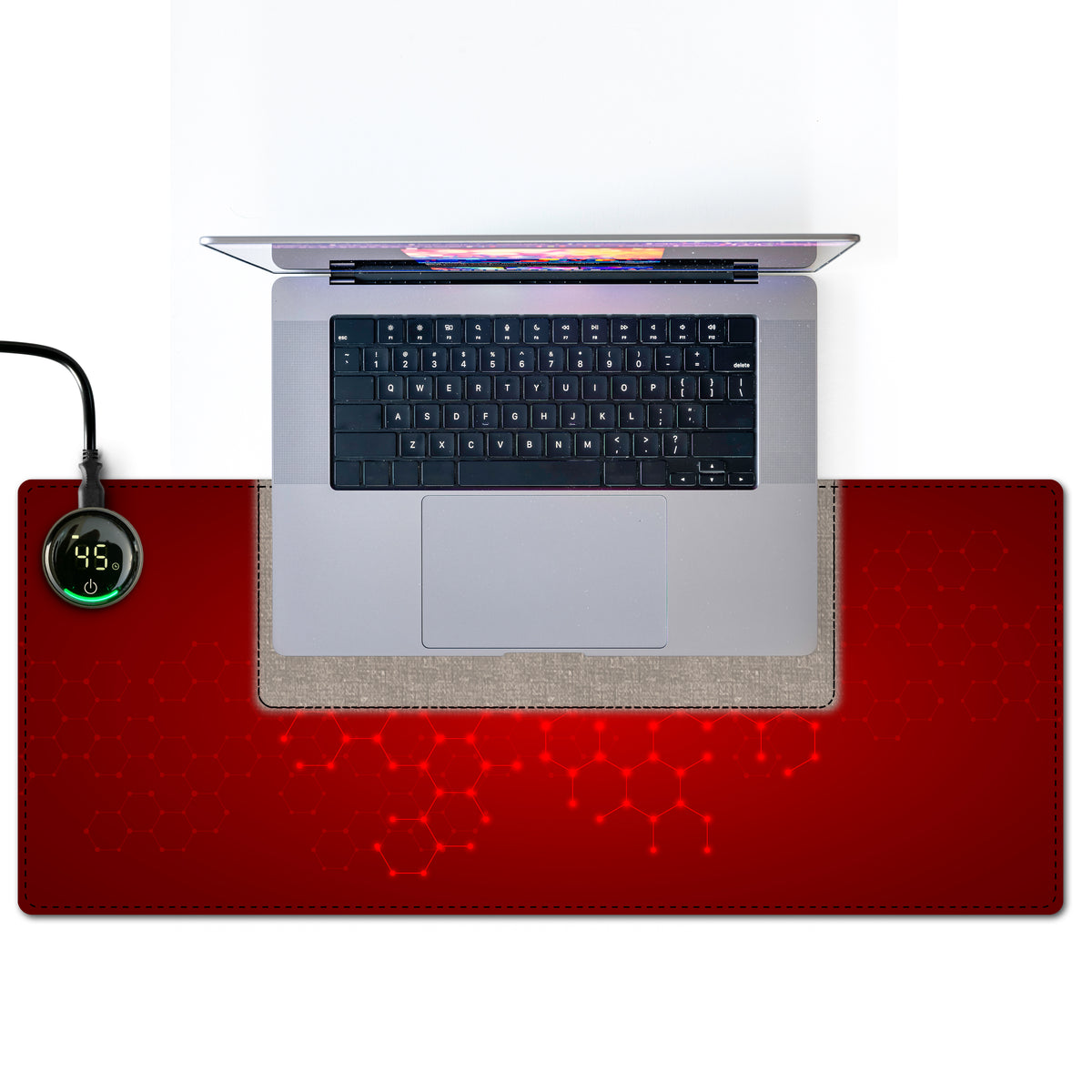
Warm the area beneath your hands and wrists while leaving the keyboard or laptop zone cool. When the cold sets in, switch to full-surface heat for complete desk comfort.
Choose 35°C / 86°F, 45°C / 113°F or 55°C / 131°F. The simple settings make it easy to find comfortable, steady warmth without repeated adjustments.
Select a 4-9 hour auto-off timer, return to your previous settings with memory, and use the hourly light reminder as a prompt to stand, stretch and reset.
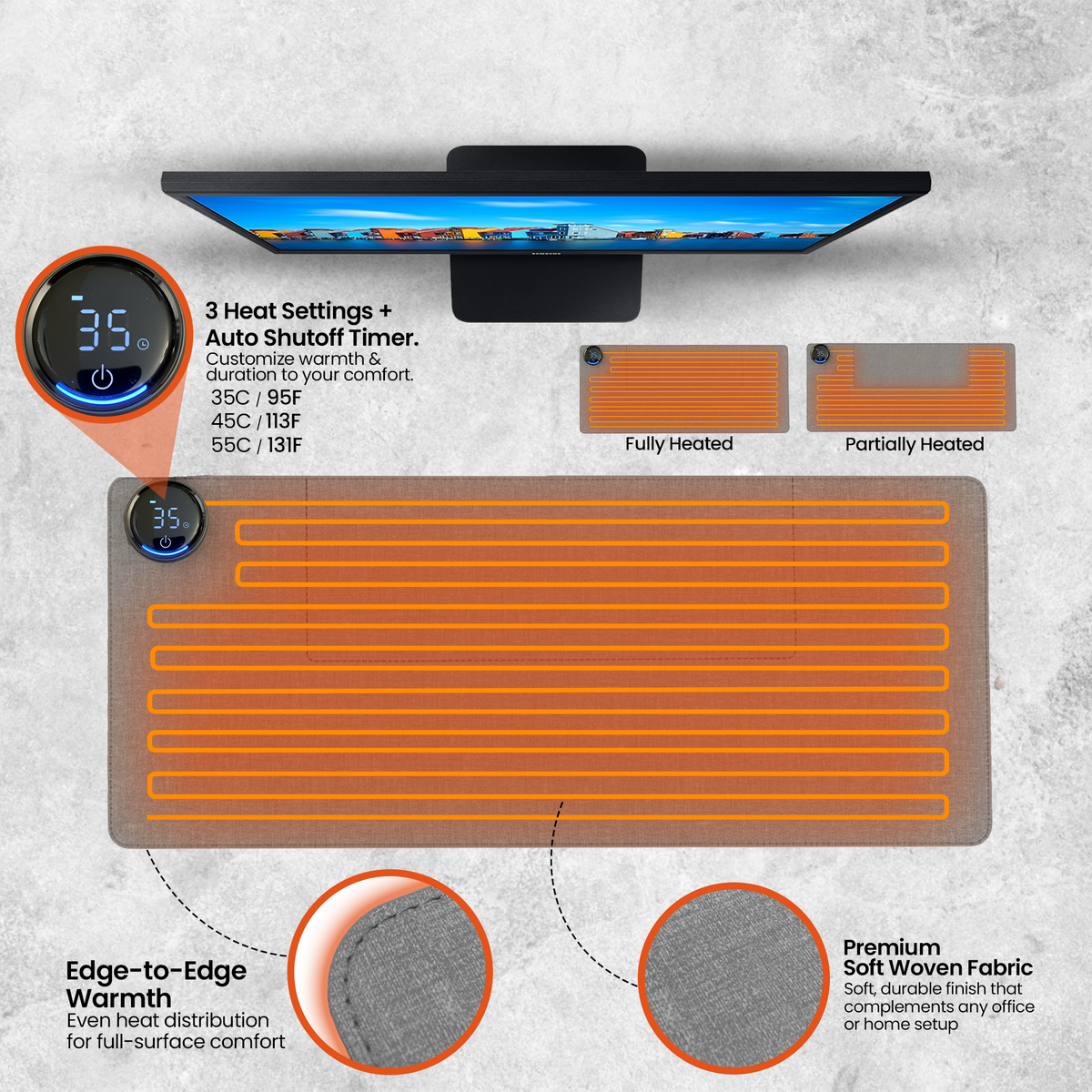
Targeted comfort with independent heating zones
Unless most Heated Desk Mats, you can choose the dedicated hand zone for warmth beneath your hands and wrists without heating the keyboard or laptop area. This is the heated desk pad that can accommodate your specific laptop and keyboard placement. You get the comfort you need without putting unnecessary heat beneath your devices.
Plug in. Tap. Choose your comfort.
Plug in the desk pad, tap the power control and select your zone, temperature and timer. It starts to warm in under two minutes and reaches full temperature within minutes, ready for short tasks or an all-day work session.
No app, pairing or complicated setup.
Made to belong on a modern desk
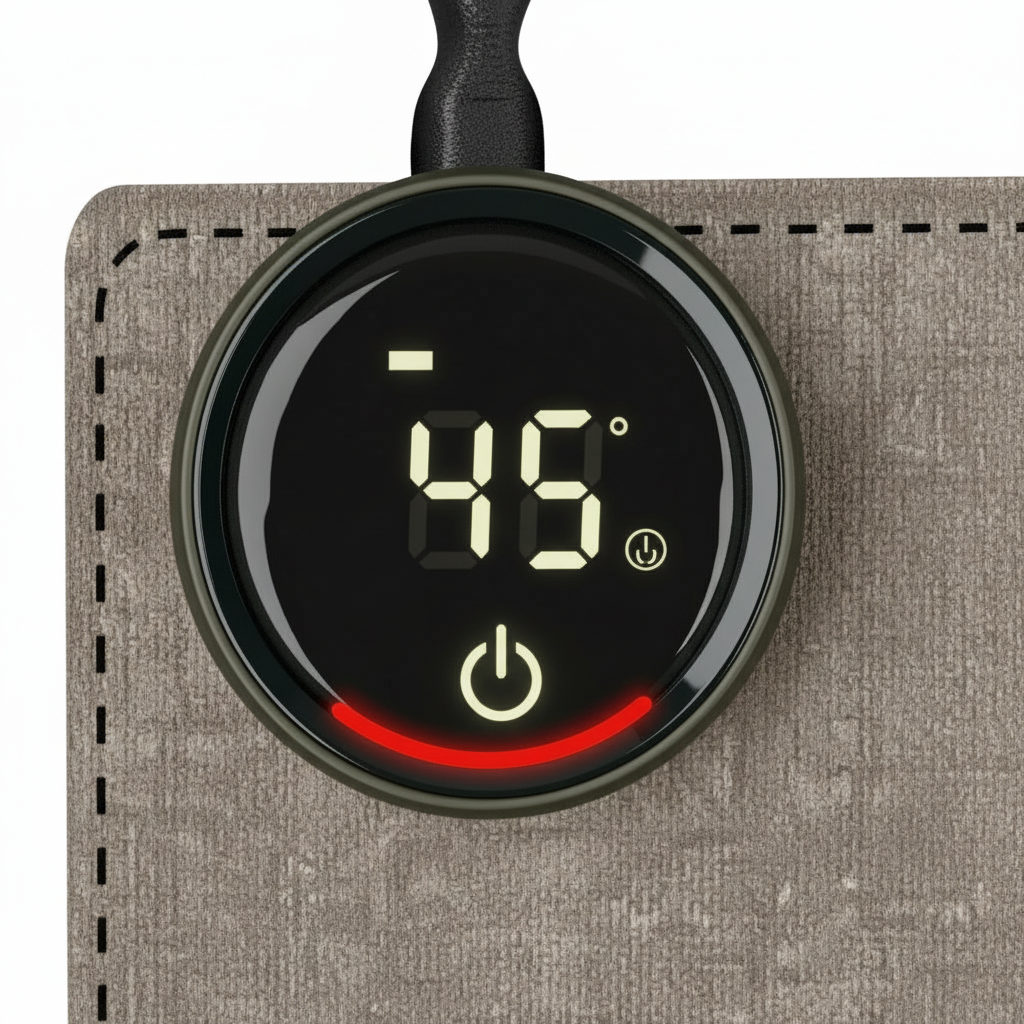
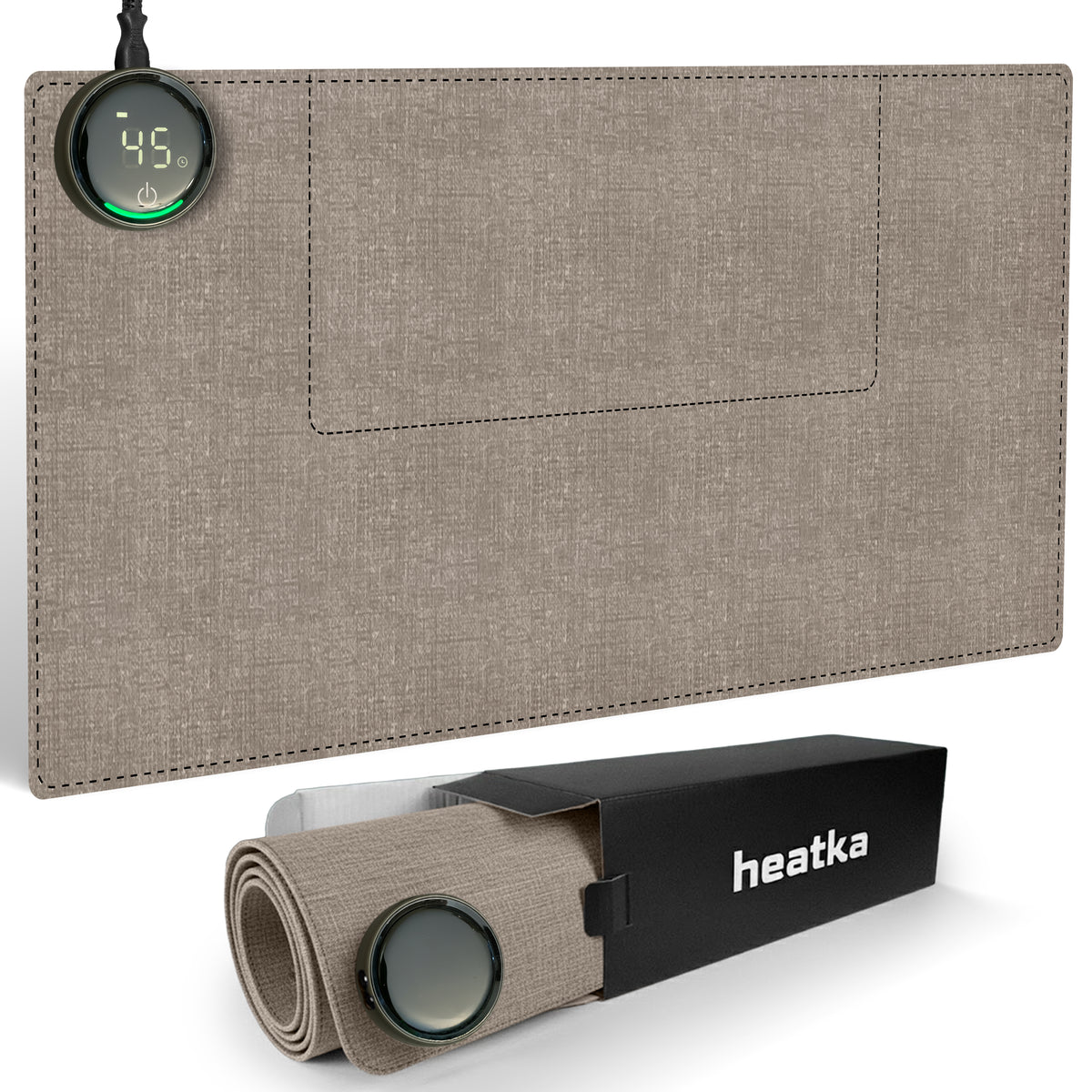
The soft beige finish and clean, low-profile design blend naturally into home and office workspaces. It stays completely silent and creates gentle radiant warmth without fans, noise or blown air.
Warmth without visual clutter.
Heat the desk zone you use, not the whole room
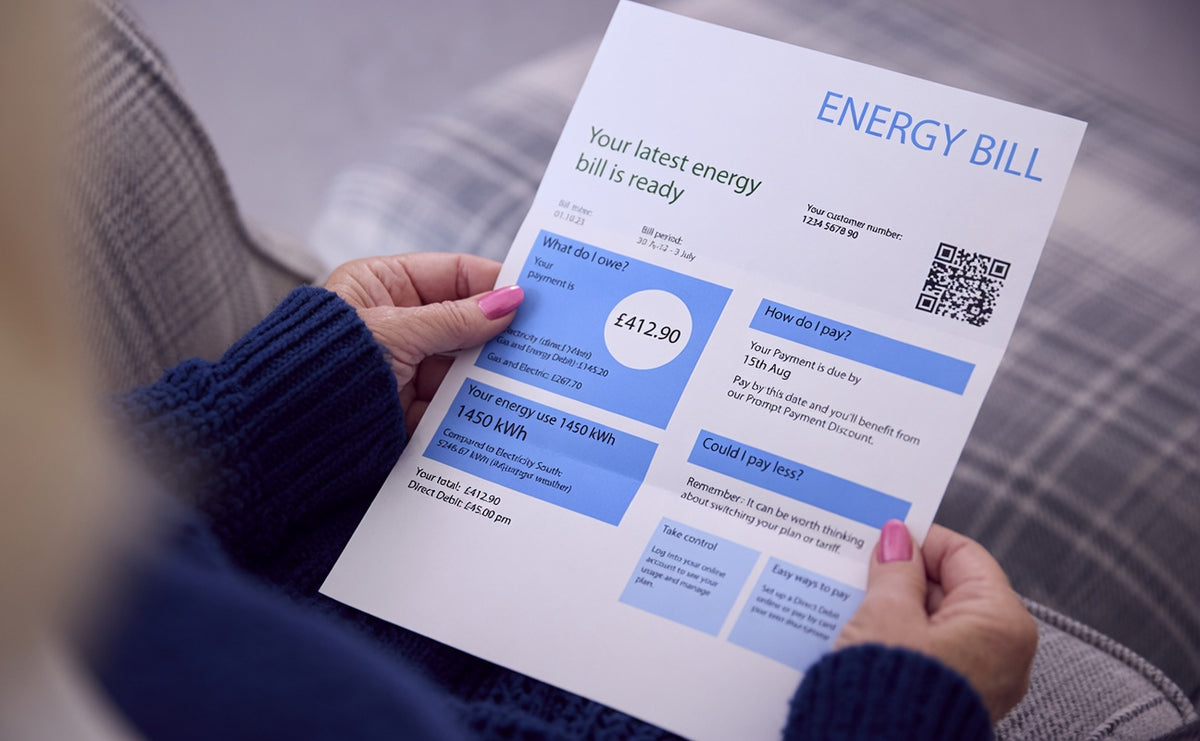
Heatka directs warmth beneath your hands instead of spending energy warming unused space. The Modern desk pad uses up to 18 times less electricity than the average space heater, making it a practical way to stay comfortable while you work.
Actual running cost depends on your local electricity tariff and selected setting.
Designed for repeated daily use
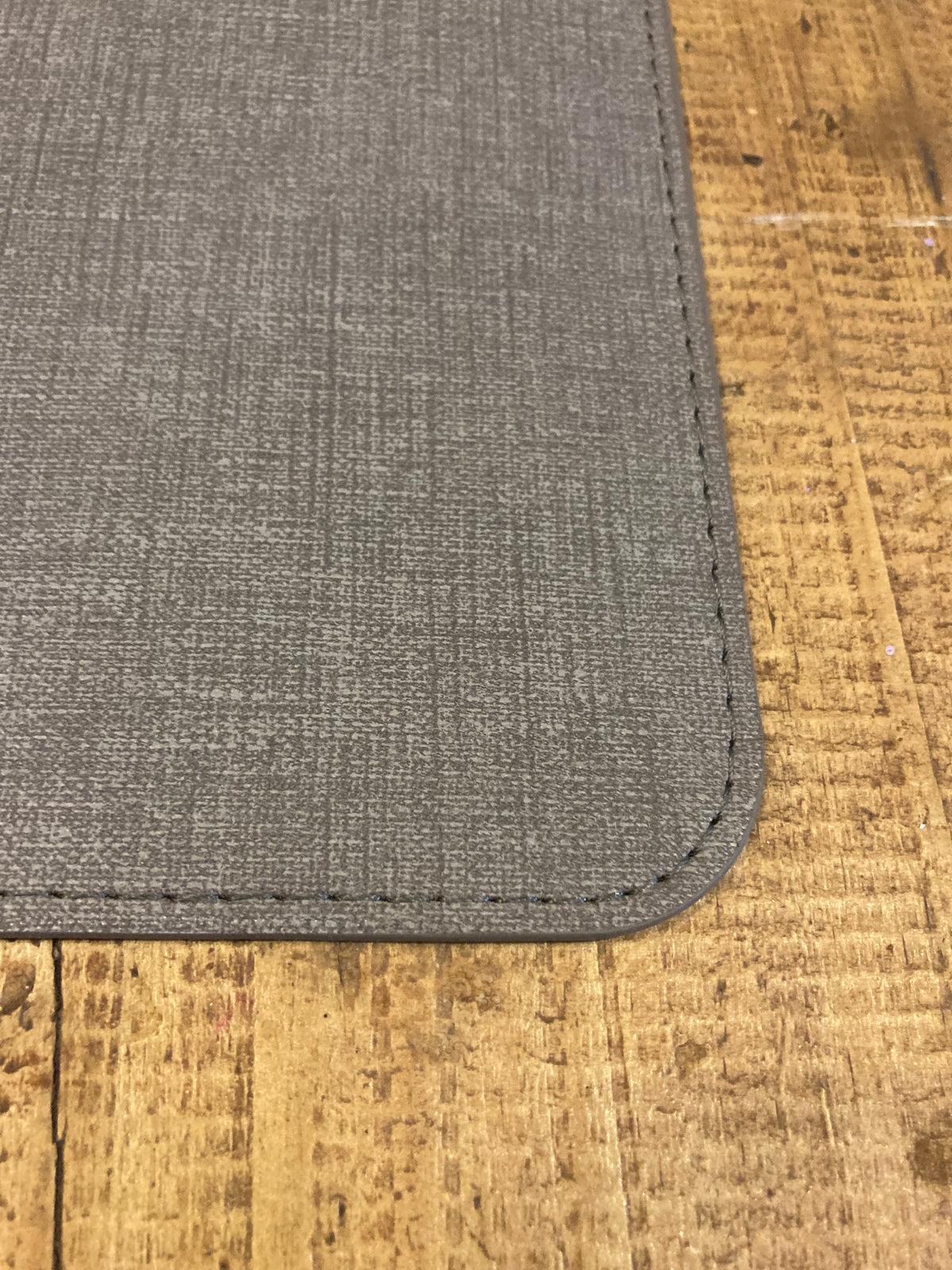
A durable textured-weave PVC surface, reinforced stitching and a stable flat profile make the Modern suitable for busy home offices and workplaces. The easy-wipe finish keeps the desk pad looking clean through everyday use. Where others scruff and scrape and show wear and tear, ours lasts year after year.
Premium materials, practical upkeep and a two-year replacement warranty.
Room for your essential workspace
At 80 x 33 cm / 31.5 x 13 in, the pad provides space for a keyboard, mouse and the area where your hands and forearms rest. Choose hand-zone warmth or heat the full desk pad depending on your setup and the weather.
Comfort for home offices, shared offices, study spaces and creative workstations.
Backed by people who stand behind it.
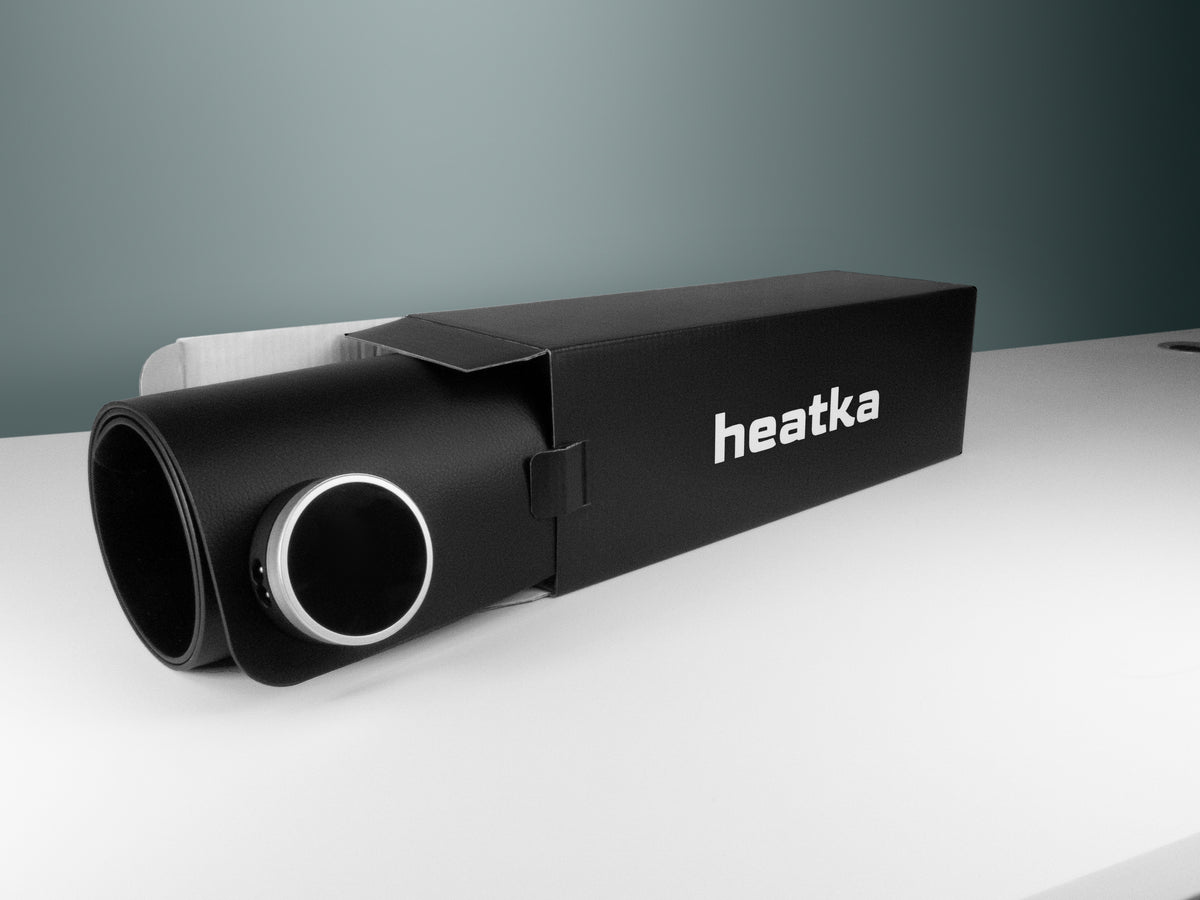
Every Heatka Modern is covered by a two-year replacement warranty and supported by our UK and US-based warehousing teams. If something is not right with your heated mouse pad, contact us and the team will work to make it right.
Free shipping and a 100% satisfaction guarantee are included.
An honest comparison of common alternatives
They can reduce dexterity and still leave palms and wrists cold.
It heats the room rather than targeting the hands, can be noisy and uses substantially more electricity
They need replacing, occupy your hands and lose warmth after a limited period.
Over time cheap heated pads separate and show signs of wear and tear. Our mats are specifically designed tor resist scuffs and scrapes that show on typical softer mats.

“This product is amazing. It is so nice having lovely warm hands. It also looks great, which is a bonus. Great product - I highly recommend it to anyone working in a colder workplace.”
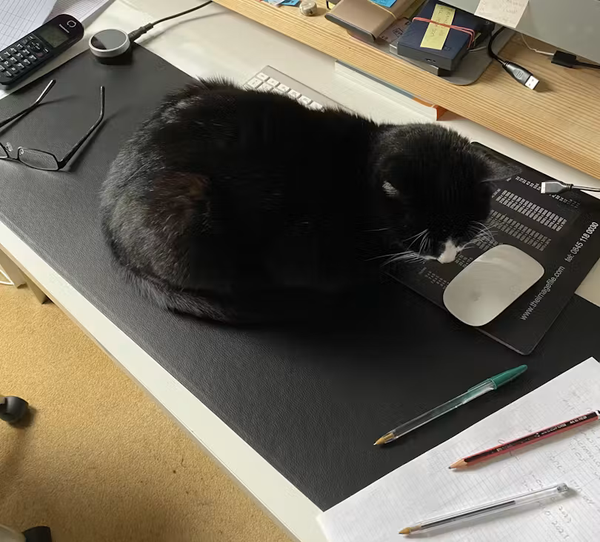
“I got this as a gift for a coworker. She is always cold in the office and loves it.”
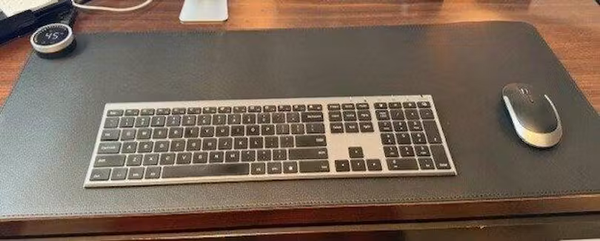
“When putting the heating on is not an option due to high costs, this is just what I need. I love that I can leave the mat under my keyboard unheated and still have toasty warm hands.”

I'm a freelance graphic designer and suffer with Raynauds so my hands are cold most of the time due to poor circulation to the point they become painful and ache despite wearing compression gloves. We bought two of these for our home office and certainly for me it is a game changer! If you're undecided, please buy it, you won't be disappointed. Not only does this product help my hands feel comfortable, it's excellent quality and easy to use. Customer service was absolutely excellent and delivery was fast and well packaged. Overall shopping experience with Heatka has been amazing and I would highly recommend them to anyone!

“I tried a few similar products and returned them. This seems higher quality and built to last. The instructions are clear and the mat warms up quickly.”

“Looks great, works great and is easy to use. The part under the keyboard will heat - or not - as you specify. When that zone is off, it stays cool under the keyboard.”
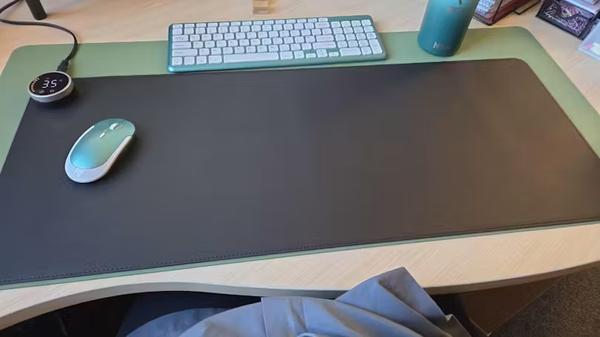
I was looking for a non-usb powered heated mat for my work for some ladies with Reynard's. We've bought 10 for work and they all go quickly and everyone is positive about them. I bought one for my wife as well for her arthritis and she loves it!! As do the people she works with.
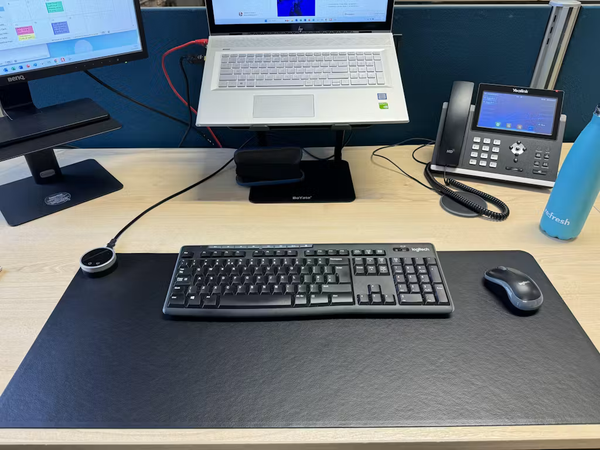
This is a superb product. I use this in the office and often get hands so cold I can't get them warm again. This keeps your hands warm and your arms too as you rest on it.
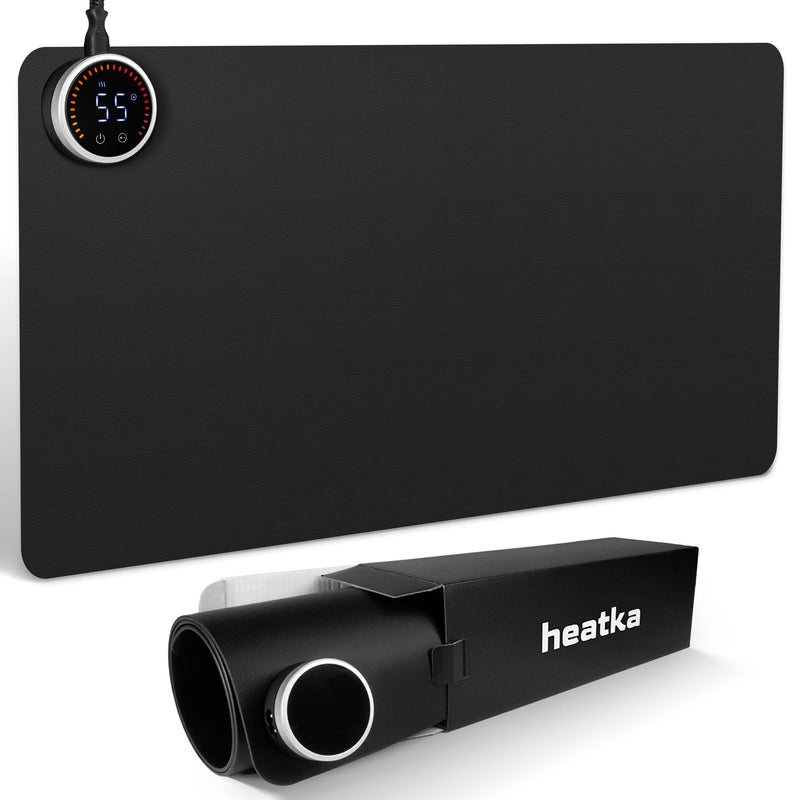
The original Heatka. Single-zone heating designed for hand and wrist warmth. Slim profile, premium PVC leather, LED dial control. Ideal if your keyboard sits off the mat.
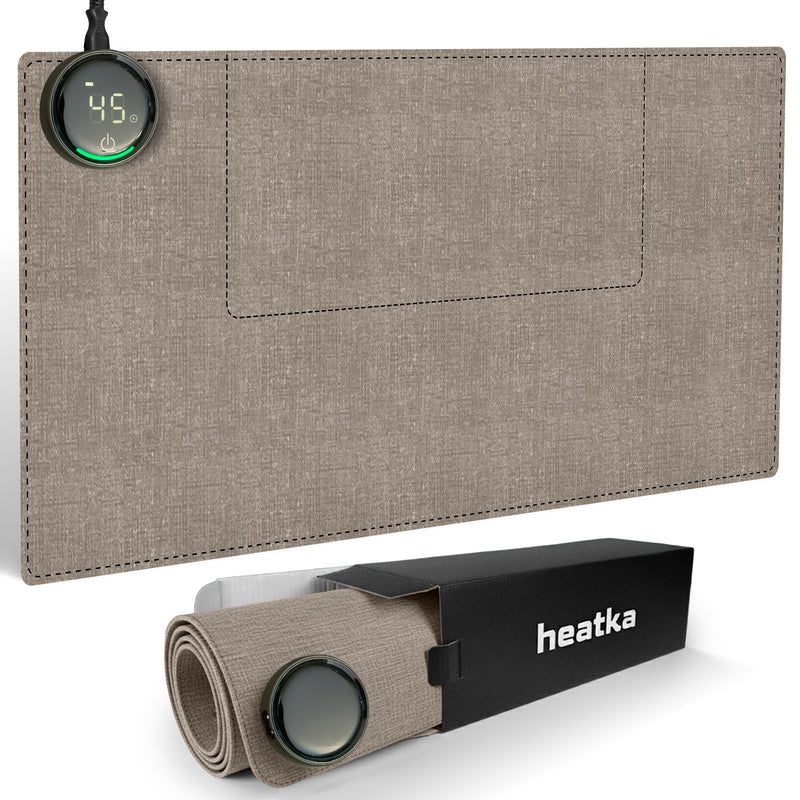
The upgraded Heatka with dual-zone heating: a dedicated hand-warming zone and a device-safe keyboard zone. Built for people whose entire workspace lives on the mat.
Compare this to what you've spent:
The Heatka is a one-time purchase, built to last years, with a 2-year warranty and free replacement support. Run the numbers: it pays for itself.
Cold hands don't wait for a convenient moment.
Ships same day or next business day. Free UK and US shipping.
Pick what you've been using. See what it adds up to. Then compare.
Calculating your savings…
Free. Every order ships free — no minimum order, no codes needed.
We ship the same day or the next business day after your order is placed.
UK orders: 1–2 business days. US orders: 2–5 business days. International times vary by destination.
Yes. Shortly after we ship you'll receive an email with your tracking information.
UK orders ship from Devon, England. US orders ship from Utah or Tennessee.
Yes. An order confirmation is sent immediately and a full invoice is included with your shipment.
Every single Heatka ships with a full 2-year replacement warranty. If your mat stops working as expected for any reason within that period, we replace it. No returns process, no lengthy investigation, no arguing. You contact us, we sort it.
Heating element, LED dial, internal wiring — any fault that affects normal operation.
Two full years from date of purchase. The longest warranty offered by any heated desk mat brand.
Email our support team. Real humans, not bots. Responses within minutes during business hours.
Heatka Modern gives you precise warmth where your hands need it, with independent control over the area beneath your keyboard or laptop. Choose your zone, choose your temperature and settle into a more comfortable working day.
Free UK & US shipping. Two-year replacement warranty. 100% satisfaction guarantee. Human support when you need it.
If it is not right, Heatka will work to make it right.
SHOP THE HEATKA MODERN - FREE DELIVERY"Love that I can leave the mat under my keyboard unheated and still have toastie warm hands. Absolutely makes working from home a more comfortable experience. Great product! -"
Kay S.

